
Build a Resume Tailored
to the Job
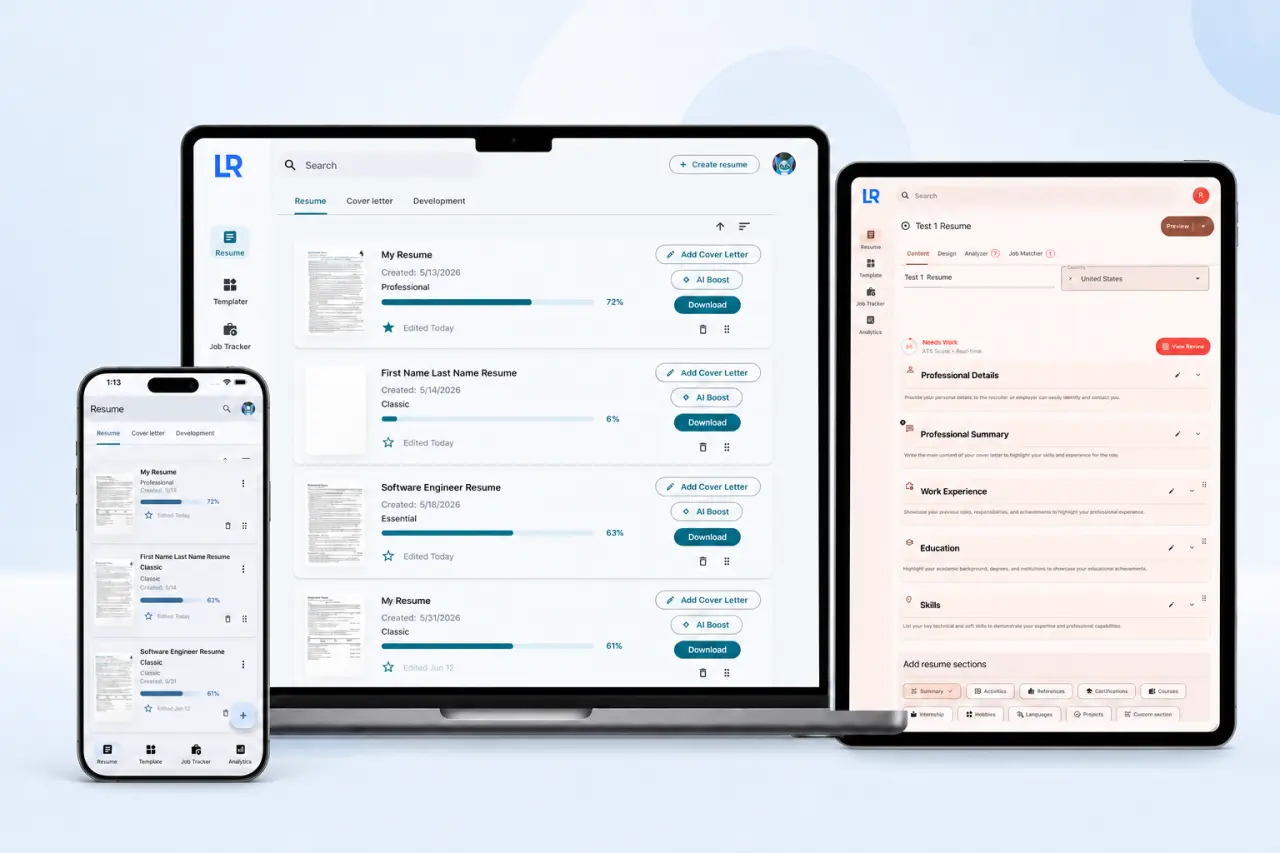
Write, check, match, and track every application from one private workspace. Keep control of your content while Lexa helps you prepare for each role.

From first draft to application insights
Move from first draft to a tracked application in one connected workflow.
Build the content
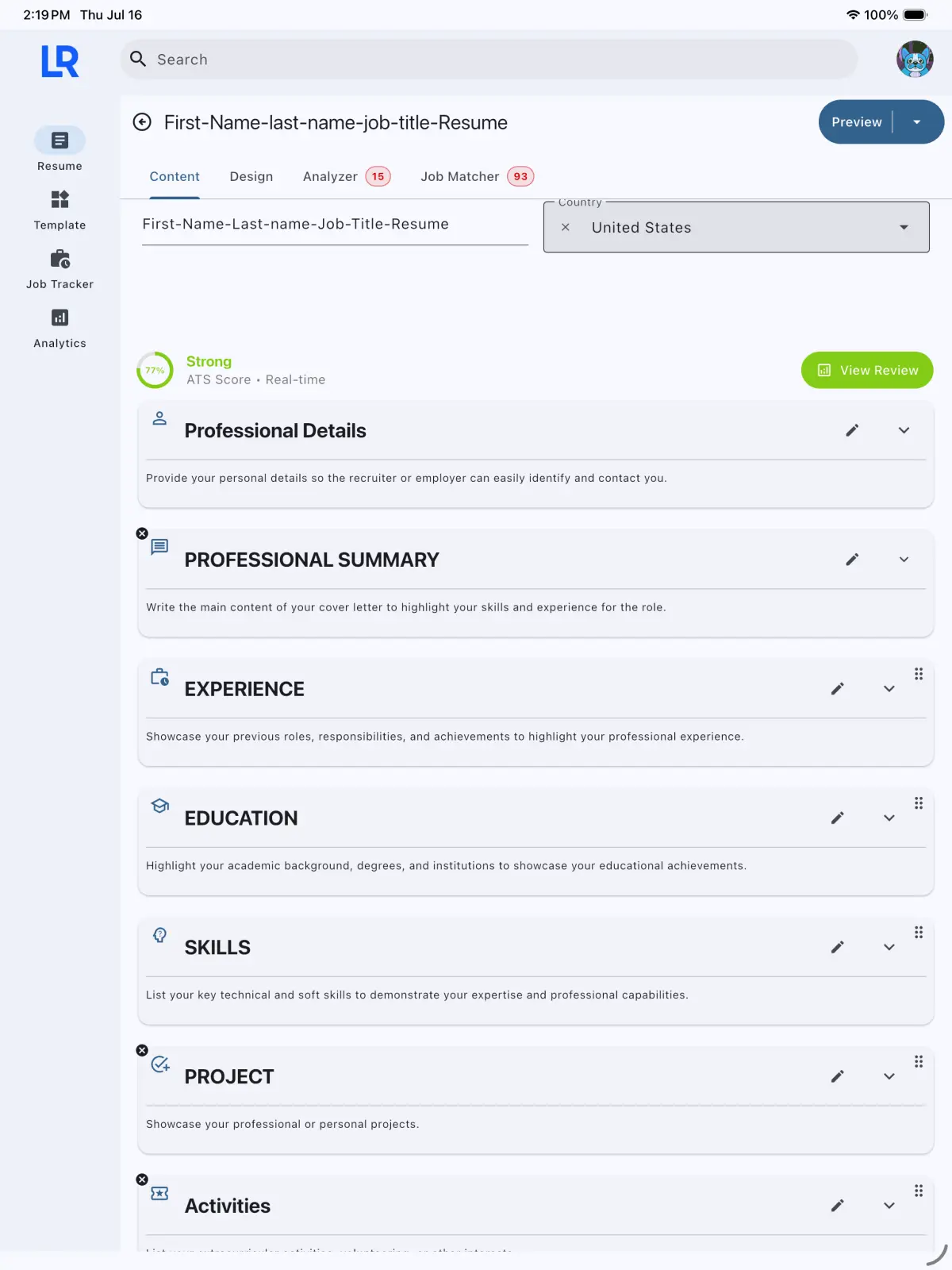
Add your experience, education, skills, projects, and other sections in a structured resume workspace.
Try it on the web
Start with a layout that fits the role
Choose a professional structure, then adjust the type, spacing, sections, and color inside Lexa.
Browse templatesDesigned around your data
Work offline, sync supported devices, and stay in control of your career information.
Offline-First
Create and edit resumes without an internet connection. Changes sync when you reconnect.
Cross-Platform Sync
Continue your work across Web, macOS, iOS, and Android. Windows support is planned.
Your Data Stays Yours
Lexa Resume does not sell your resume, application, or career data.
Frequently Asked Questions
Everything you need to know about Lexa Resume.
How do I create my first resume?
Open Lexa Resume and tap "Create Resume." Start editing your personal details, work experience, education, and skills. Your changes are saved as you edit. When you are done, head to the Design tab to pick a template and customize the look. Use the ATS Analyzer to check compatibility and get a score. Optionally match your resume to a job description for targeted optimization. When ready, download as PDF.
Is Lexa Resume really free?
Yes, we are currently running free while we review our pricing plans, which we will add soon. The currently available feature set can be used at no cost. Pricing and feature availability may change as the service develops, and any paid option will be shown before purchase.
Can I use Lexa Resume offline?
Lexa Resume is built offline-first on supported apps. Resume, job application, and cover-letter data is stored locally so you can continue editing without an internet connection. When you are signed in and connectivity returns, supported data can sync with your account.
Does my resume pass ATS screening?
Lexa's resume checker analyzes your resume on a 0 to 100 scale across 6 levels (Needs Work, Fair, Good, Strong, Excellent, Outstanding). It checks formatting, section completeness, keyword alignment with your target role, and skills gaps. AI-powered suggestions can help improve sections. No tool can guarantee that a resume will pass every employer's ATS or lead to an interview.
Can I have multiple resumes?
Yes. You can create and manage multiple resumes tailored to different roles. They appear in a reorderable list and can be sorted by name, update time, primary status, or ATS score. Each resume can have its own template, design, sections, and job match.
What platforms does Lexa Resume support?
Lexa Resume runs on macOS, iOS, Android, and Web. Windows support is coming soon. When you are signed in and online, supported account data can sync between your devices. Feature availability may vary slightly by platform.
What export formats do you support?
Resumes and cover letters can be downloaded as PDF. Job-tracker data can be exported as PDF or CSV. Resume import supports text extraction from PDF and DOCX files. Other resume import and export formats are not currently supported.
How is Lexa different from other resume builders?
Lexa is designed as an offline-first, cross-platform workspace that keeps you in control of your career data. We do not sell your career data. Features include resume building and design, ATS checks, optional AI-assisted improvements, job-description matching, application tracking, funnel analytics, and an interface available in 9 languages.
Still have questions?Contact our team